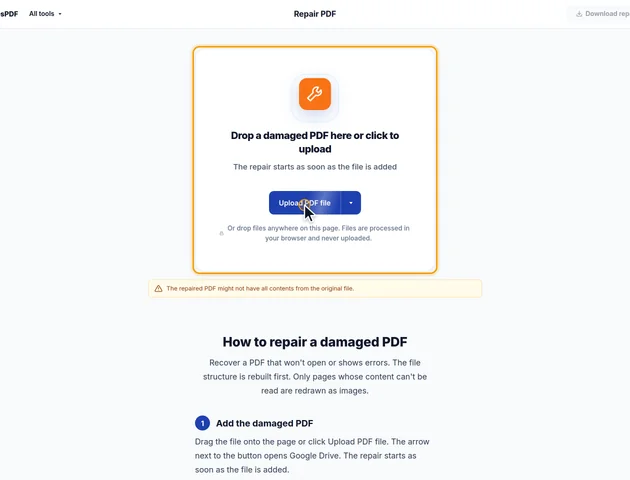
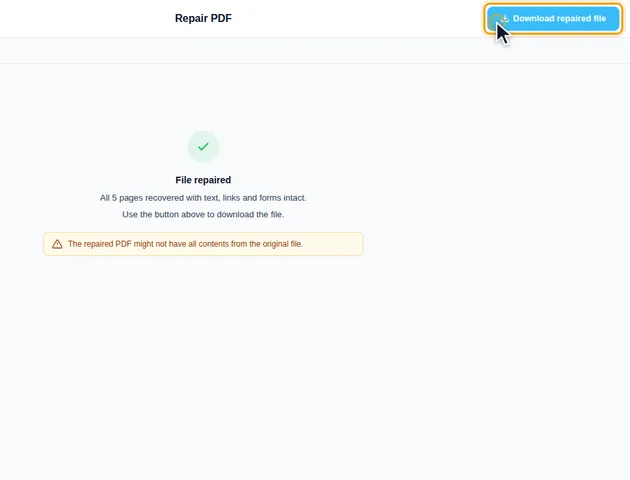
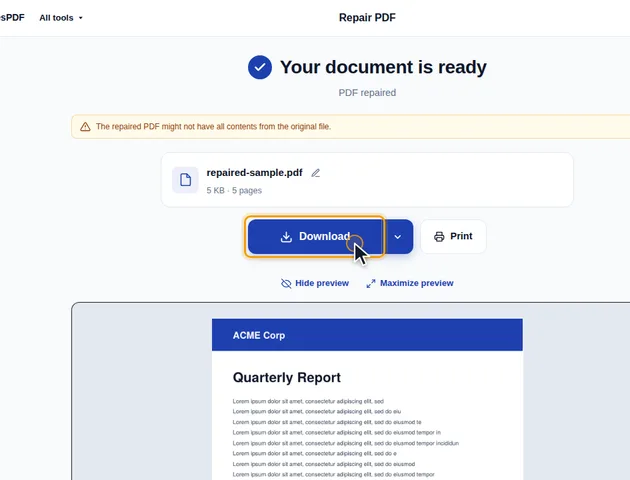
Recover a PDF that won't open or shows errors. The file structure is rebuilt first. Only pages whose content can't be read are redrawn as images.
What a repair checks, and what it can miss
How a page is judged damaged
After the file structure has been read, every page gets the same three checks. Its drawing instructions have to exist as a proper stream. That stream has to decompress all the way to the end without an error. And the list of fonts and images the page uses has to be a valid entry rather than something garbled. A page that fails any of these is redrawn as an image. A page with no content at all is treated as blank and kept.
What isn't checked is everything that list points to. If a page's instructions are fine but a photo or font it uses is damaged, the page passes. In the repaired file it may show a grey box where the photo was, or missing letters, even though the summary says every page was recovered. So "recovered with text, links and forms intact" means the structure is sound, not that every page looks right. Scroll through the pages with photos and unusual fonts before you rely on the file.
Why every page sometimes becomes an image
The tool opens the file twice: once with a strict reader that can rewrite the structure, and once with a very tolerant one that is good at displaying damaged files. The two have to agree on the number of pages. If the strict reader finds 18 pages and the tolerant one finds 20, the structure isn't trusted, and every page is redrawn from what the tolerant reader can display. The same happens if the rewritten file doesn't open again with the right page count.
That full rebuild starts from an empty PDF, so it keeps only what you can see. Bookmarks, the document title and author, attached files, links and form fields are all gone, and so is all selectable text. If that happens to a file that's mostly fine, try another copy of it before you accept the result.
What changes in a cleanly repaired file
Even when nothing was redrawn, the repaired file isn't the original with a patch. It's written out from scratch, and that has a few consequences:
- A PDF that was edited and saved many times often keeps every earlier version of the changed parts inside it. Only the latest version of each part is written out, so the file can get smaller.
- A certificate-based digital signature will normally show as invalid, because the bytes it covered have changed.
- If the original had a password, you entered it when you added the file, and the repaired copy has none. Use Protect PDF to add one again.
On a page that was redrawn, links, comments and form fields on that page are removed along with the text. The image keeps the page's rotation and visible area, so it still faces the right way. It's drawn at up to 144 dpi but limited to about 16 million pixels, so a very large page such as a poster or an engineering drawing gets a lower resolution.
Using the repaired file elsewhere
Other EddiesPDF tools give up on files they can't read. Protect PDF, for example, suggests trying Repair PDF first when encryption fails. A cleanly repaired file usually goes through them without trouble.