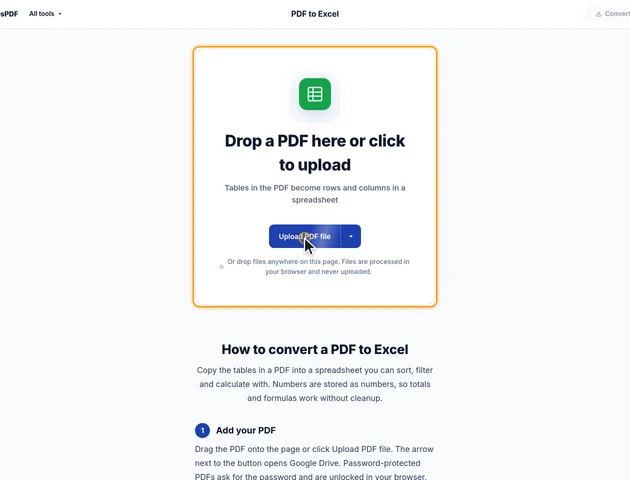
Drop a PDF here or click to upload
Tables in the PDF become rows and columns in a spreadsheet
Or drop files anywhere on this page. Files are processed in your browser and never uploaded.
Copy the tables in a PDF into a spreadsheet you can sort, filter and calculate with. Numbers are stored as numbers, so totals and formulas work without cleanup.
Drag the PDF onto the page or click Upload PDF file. The arrow next to the button opens Google Drive. Password-protected PDFs ask for the password and are unlocked in your browser.
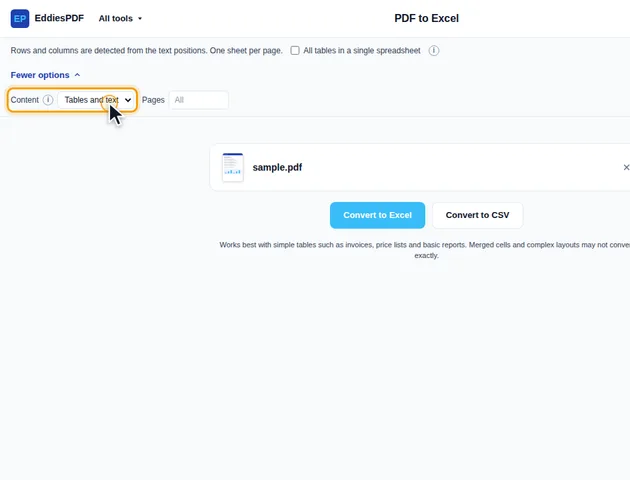
By default each PDF page gets its own sheet. Tick All tables in a single spreadsheet to stack every table on one sheet. Under More options, Content chooses between Tables and text or Tables only, and Pages limits the conversion to a range such as 1-3, 5.
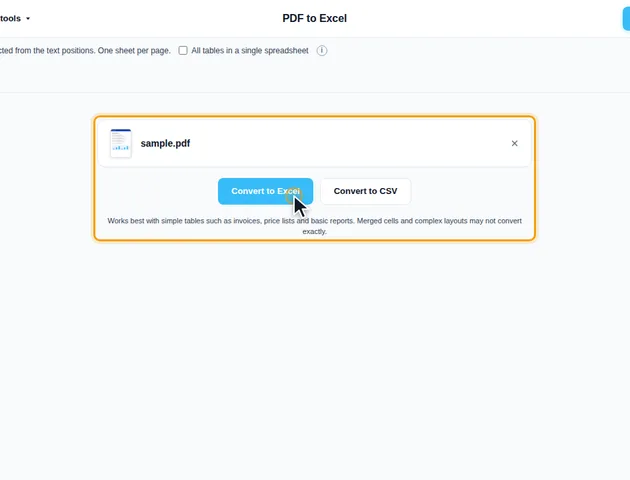
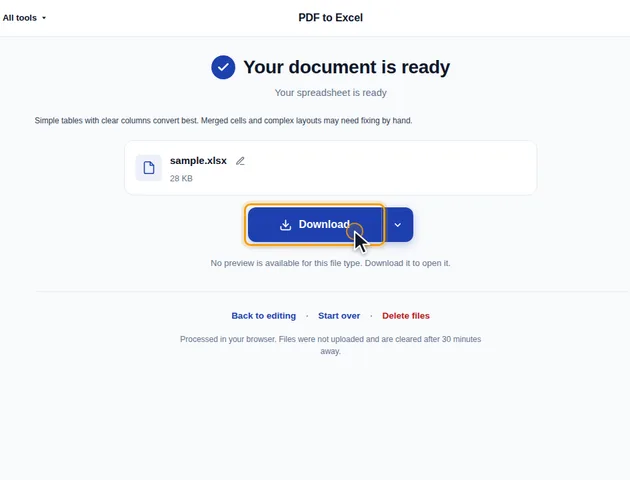
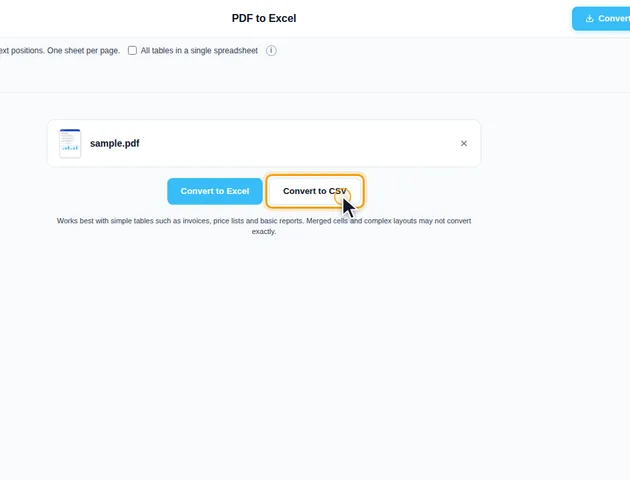
Click Convert to Excel for an .xlsx file, or Convert to CSV for plain text. The results screen lets you download the file, save it to Google Drive, open it in another tool, or delete the files.
Tables and text keeps the headings and paragraphs between tables, in reading order. Tables only leaves them out. If no table is detected, the text is placed line by line instead, so the file is never empty.
Excel (.xlsx) keeps number formats and merged header cells. CSV is plain text that any spreadsheet or database program can read. With more than one sheet, the CSV files are downloaded together in a ZIP.
PDF to Excel doesn't just drop text into cells. It decides, cell by cell, whether the text is a number, and it lays the sheets out in a fixed pattern. Knowing both saves time once the file is open.
For a number, Excel stores the value and the display format separately, and the converter sets both. "1,234.50" is stored as 1234.5 with a format that has a thousands separator and two decimals, so it still reads 1,234.50 and SUM works on it. "12.5%" is stored as 0.125 with a percentage format, which means a formula like =B2*C2 gives the right answer without dividing by 100. An amount in brackets such as "(300)" becomes -300 and is shown in brackets again. Up to six decimal places are kept in the format.
This matters when you change formats yourself. If a column suddenly shows 0.125 instead of 12.5%, nothing was lost. Switch it back to Percentage in Excel's number format menu.
With one sheet per page, each sheet is named after the PDF page it came from. Convert pages 4-6 and you get sheets called Page 4, Page 5 and Page 6, so you can always find the source. With All tables in a single spreadsheet ticked, the single sheet is called Tables when Content is set to Tables only, and Sheet1 otherwise.
Tables are separated by an empty row, and so are pages on a single sheet. That helps in Excel: click any cell inside a table and press Ctrl+A to select just that block, or Ctrl+T to turn it into an Excel table with filter buttons. Both stop at the empty rows. Column widths are set from the longest value in each column, capped at about 60 characters, so one long description doesn't stretch the sheet. Widen the column by hand if you need to read it all.
CSV holds text and nothing else. Merged cells, number formats and sheet names don't exist in it. A header that spans three columns in the Excel version appears once in the CSV, in the first of those columns, followed by empty cells. With one sheet per page, the ZIP holds files named after the pages, such as report-page-4.csv.
The CSV is saved as UTF-8 with a byte order mark, a few invisible bytes at the start that tell Excel how to read accented letters and symbols such as the euro sign. Spreadsheet programs handle it without fuss. A script of your own may see it as stray characters at the start of the first column name, so strip it there if that happens.
If the PDF is mostly paragraphs with the occasional table, PDF to Word keeps the text flowing and still detects tables, which is easier to read than prose broken into spreadsheet rows. If you only want the words to paste somewhere, PDF to text is quicker and has no cells to tidy up.
And if two versions of the same report need checking against each other, converting both to Excel works, but Compare PDF shows the changed text directly on the pages without any conversion step.
There is no fixed limit. Conversion runs on your device, so very large files depend on the memory available to your browser.
Yes. Checking the extracted tables is easier on a larger screen, though.
Your file stays on your device. It is converted in the browser and never uploaded, so it isn't stored on a server.
