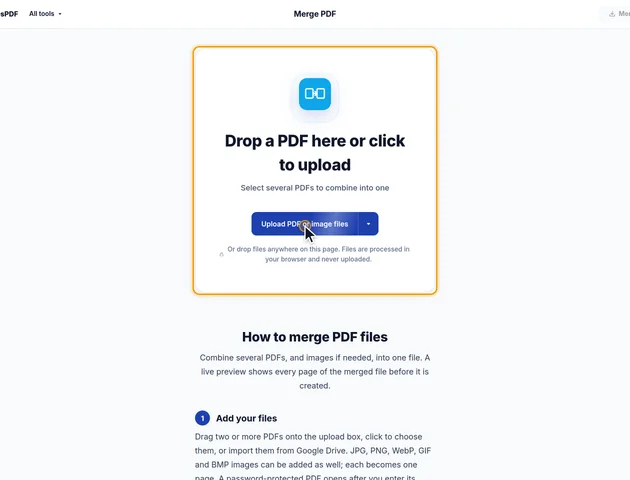
Drop a PDF here or click to upload
Select several PDFs to combine into one
Or drop files anywhere on this page. Files are processed in your browser and never uploaded.
Combine several PDFs, and images if needed, into one file. A live preview shows every page of the merged file before it is created.
Drag two or more PDFs onto the upload box, click to choose them, or import them from Google Drive. JPG, PNG, WebP, GIF and BMP images can be added as well; each becomes one page. A password-protected PDF opens after you enter its password.
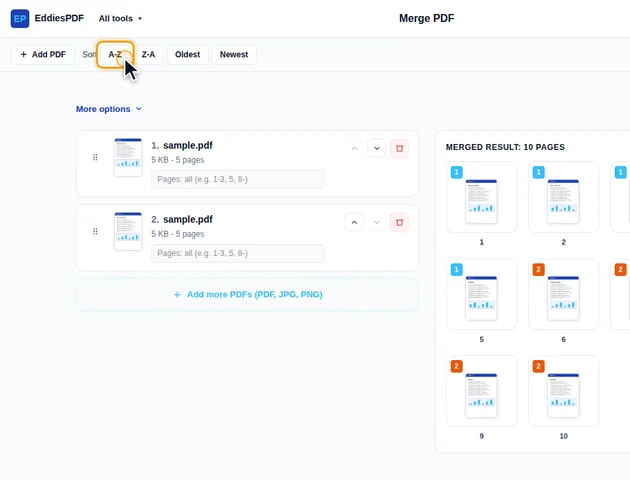
Drag a file by its grip or use the up and down arrows. Sort orders the list by name (A-Z, Z-A) or by date modified (Oldest, Newest). Add PDF and Add more PDFs bring in more files, and the remove button takes one out.
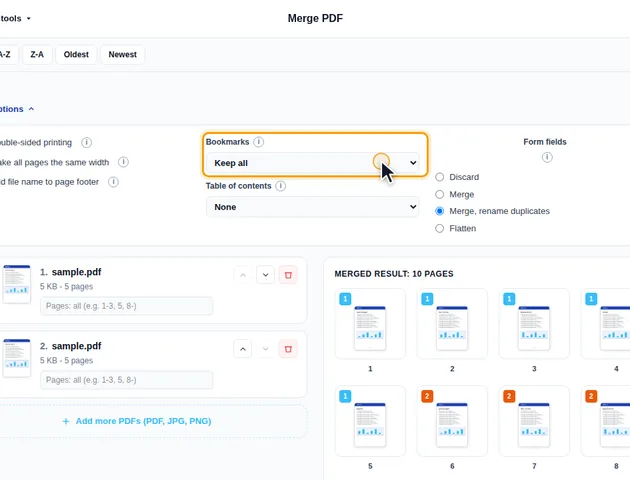
Under each PDF, type the pages to use (for example 1-3, 5, 8-), or leave the box empty to use all of them. More options sets the Bookmarks (keep all, discard all, one entry per file, or keep all under one entry per file), adds a Table of contents page, and controls Form fields: discard, merge, merge with duplicates renamed, or flatten.
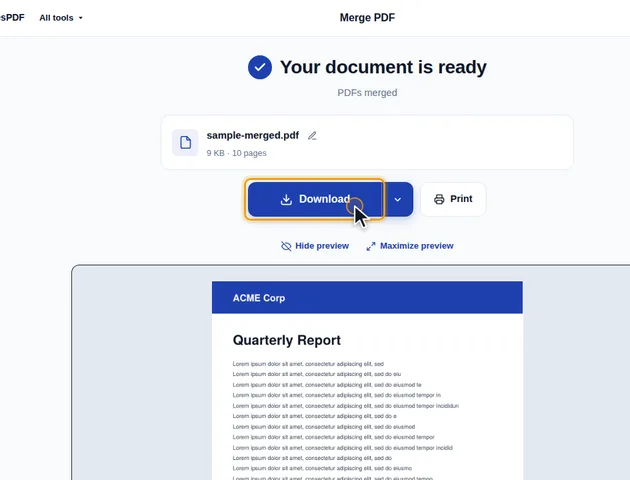
Click Merge PDFs. The results screen lets you preview the merged file, download it, save it to Google Drive, open it in another tool, or delete the files.
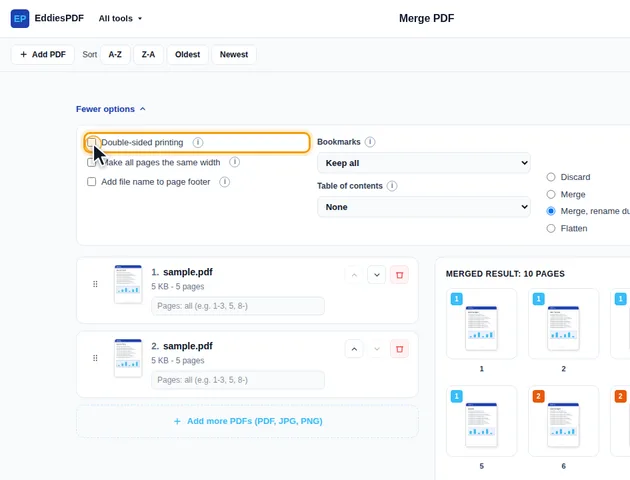
Under More options, tick Double-sided printing. A blank page is added after every file with an odd number of pages, so each file starts on the front of a sheet. The same panel can make all pages the same width and print each file name in the page footer.
Merging doesn't tack one file onto the end of another. The tool creates an empty PDF and copies the chosen pages into it, file by file. Everything attached to a page travels with it: text, images, page size, rotation, crop, links and comments.
Things that belong to a whole document are handled differently:
The merged file is named after the first file in the list, with -merged added.
An image is turned into a page at 96 pixels per inch, then shrunk if needed to fit inside an A4 sheet turned the same way as the image. It's never enlarged, and it fills its page edge to edge with no margin. An 800 x 600 pixel image becomes a page about 8.3 x 6.3 inches. A 12-megapixel phone photo is shrunk to roughly 11 x 8.3 inches, close to landscape A4 but not exactly.
If you need the images on a real paper size with white margins, make those pages in JPG to PDF first and merge the result here.
"Make all pages the same width" scales every page to the width of the first page in the result. The whole page scales, content and all, so nothing is cut off and nothing is stretched.
That makes the first page important. Start with an A4 page and a Letter page later shrinks by about 3%, which nobody will notice. A landscape A4 page shrinks to 71% and becomes a short, wide strip. And if the first file is a small receipt photo, every other page is shrunk to its width. So put a typical page first, or move the odd one out further down the list.
The blank page added for "Double-sided printing" is the same size and orientation as the last page of the file it follows, and there's no blank page after the final file.
The contents page uses the size of the first page. Each line shows the file name or title, a dotted leader and the page number where that file starts in the finished document, counting the cover and the contents page itself. The whole line is a link. Titles too long for one line are shortened with "...". A long list continues on further contents pages. With "Double-sided printing" on, a blank page follows an odd number of contents pages, so the next document still starts on the front of a sheet.
There is no fixed limit, because the files are processed in your browser rather than on a server.
Yes. It works in current browsers on phones and tablets.
No. The files are merged on your device, in the browser, and are never sent to a server.
